Liquid Light
Android App by Austin
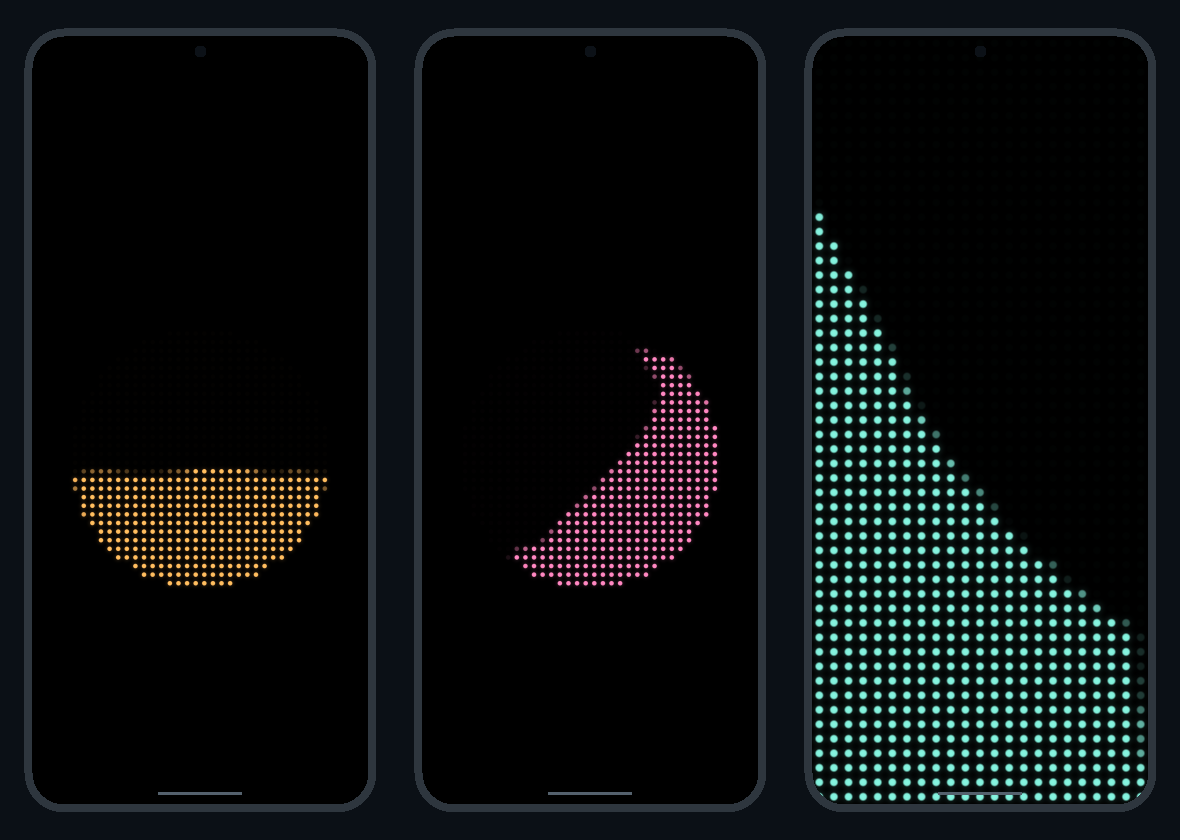
A live wallpaper of glowing lights that flow as you tilt and shake your phone. Choose liquid or tumbling solid blocks, customize the colors and glow, or use Liquid Battery to show your phone’s charge with moving liquid.
Version 0.6.0 · Android 8.0 or newer · 363 KB
Test build, installed directly from this APK.
Install on your phone
- Download the APK on your Android phone and open it.
- If Android asks, allow this browser or file app to install unknown apps, then tap Install.
- Open Liquid Light, customize your preview, and tap Set as wallpaper. Choose the destination in Android’s wallpaper picker.
Already have Liquid Light? Install this update over it to keep your settings.